How to mail a check from your web browser
The fastest way to mail a check from your browser with the least amount of hassle
Start at my.check.supply. If you already created an account from the iOS app, your payment history and contacts are available when you sign in on the web.
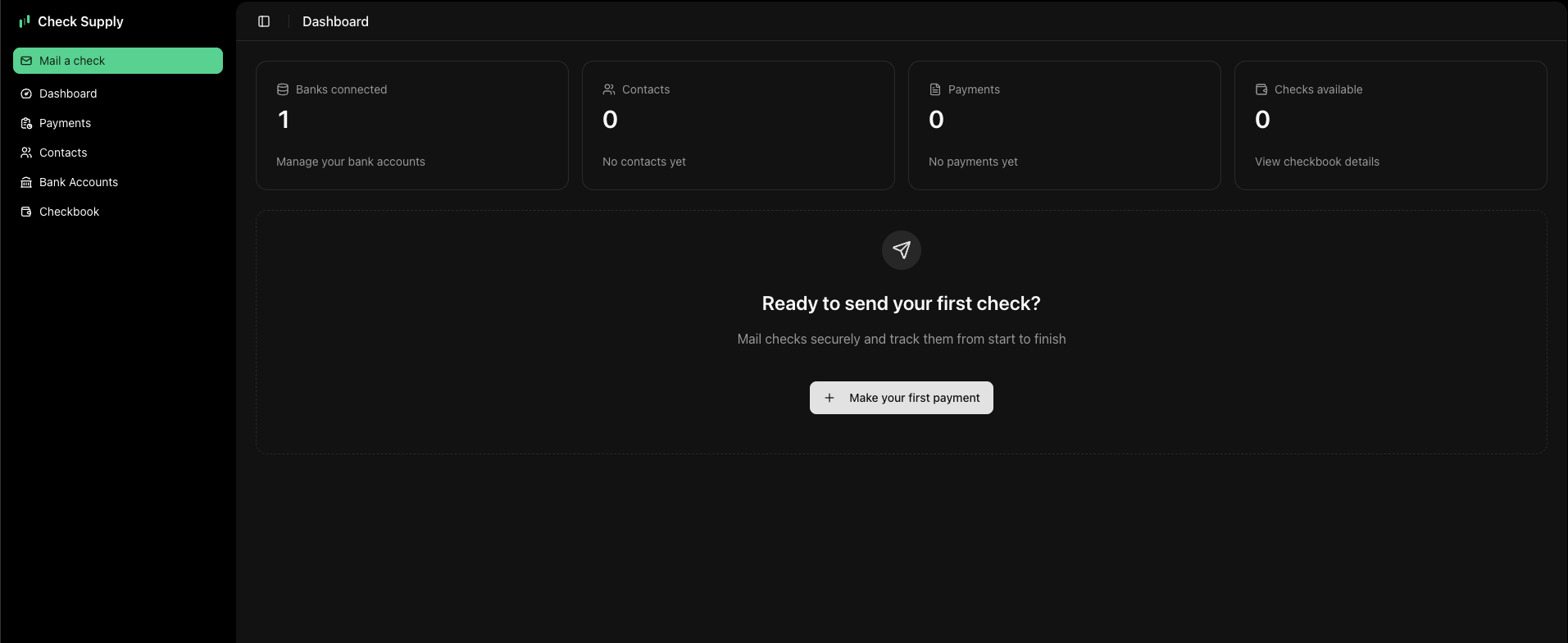
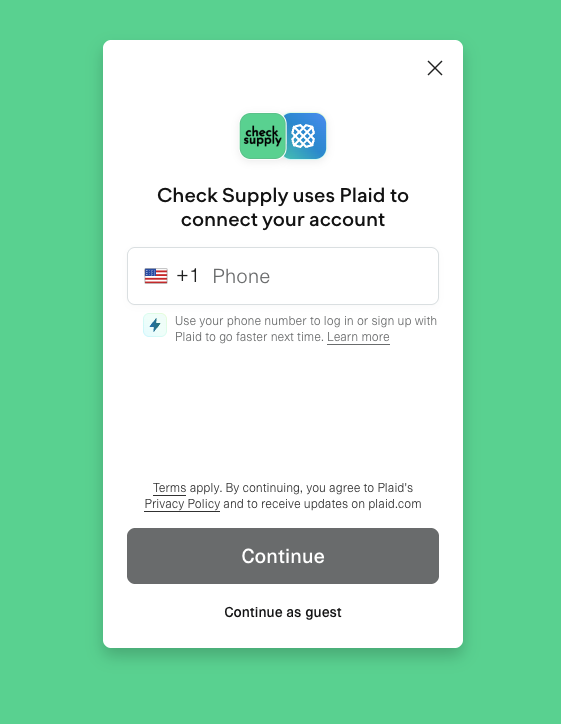
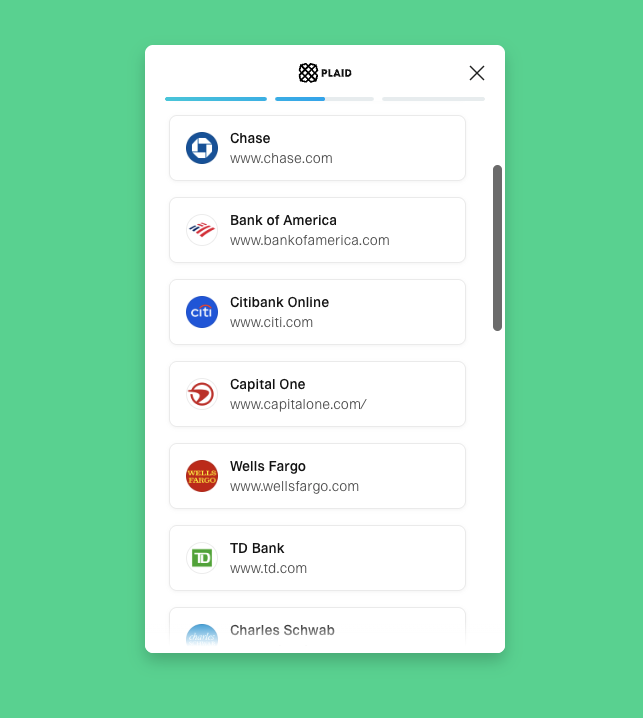
01Connect your bank account.
Connect a checking or money-market account securely with Plaid. Your credentials stay encrypted with Plaid, and Check Supply uses the verified account details only to print the check.
02Enter payment details.
Open the Pay tab, enter the recipient name and mailing address, and fill in the check amount. Check Supply uses built-in USPS address validation to catch formatting issues before the check is mailed.
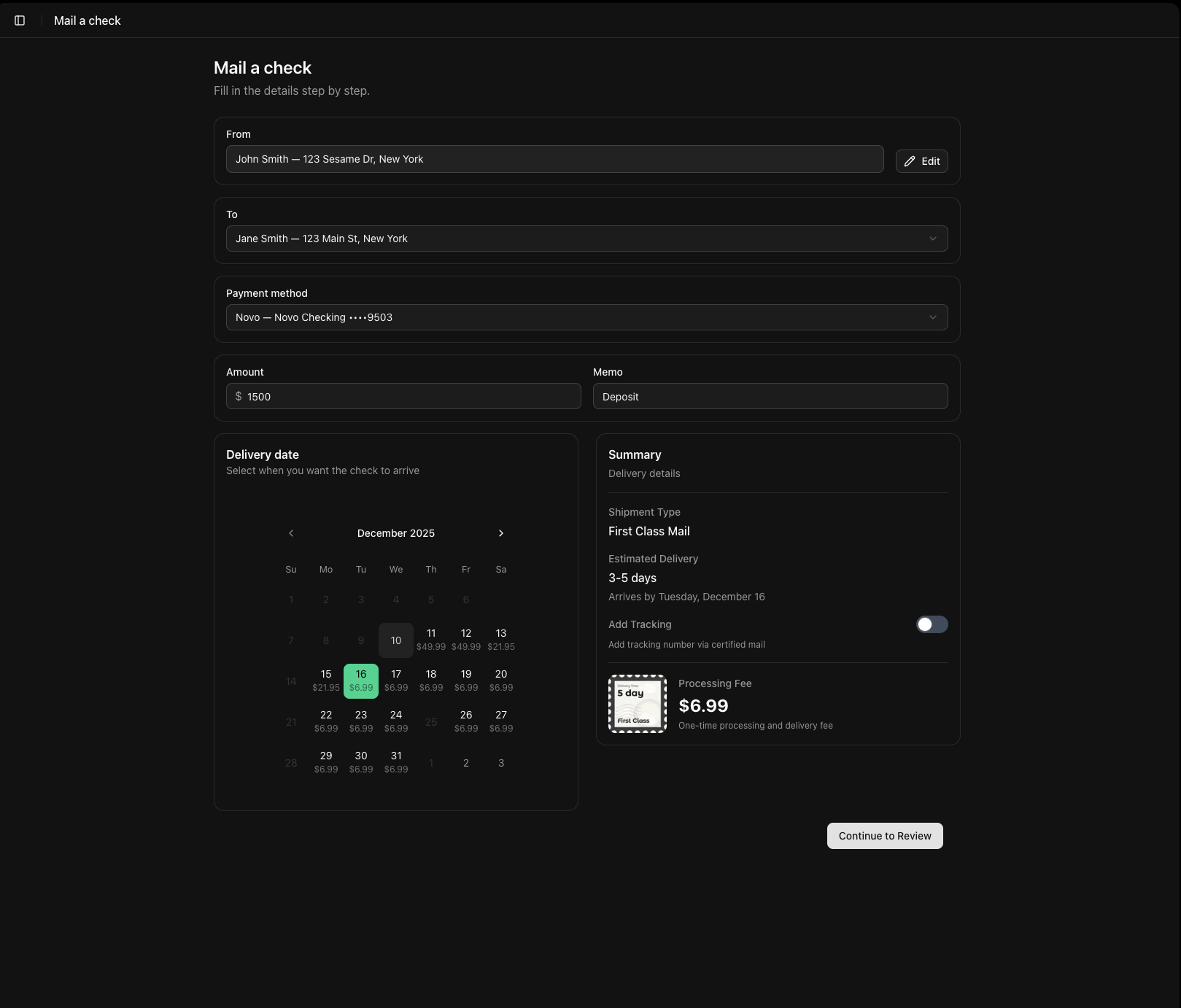
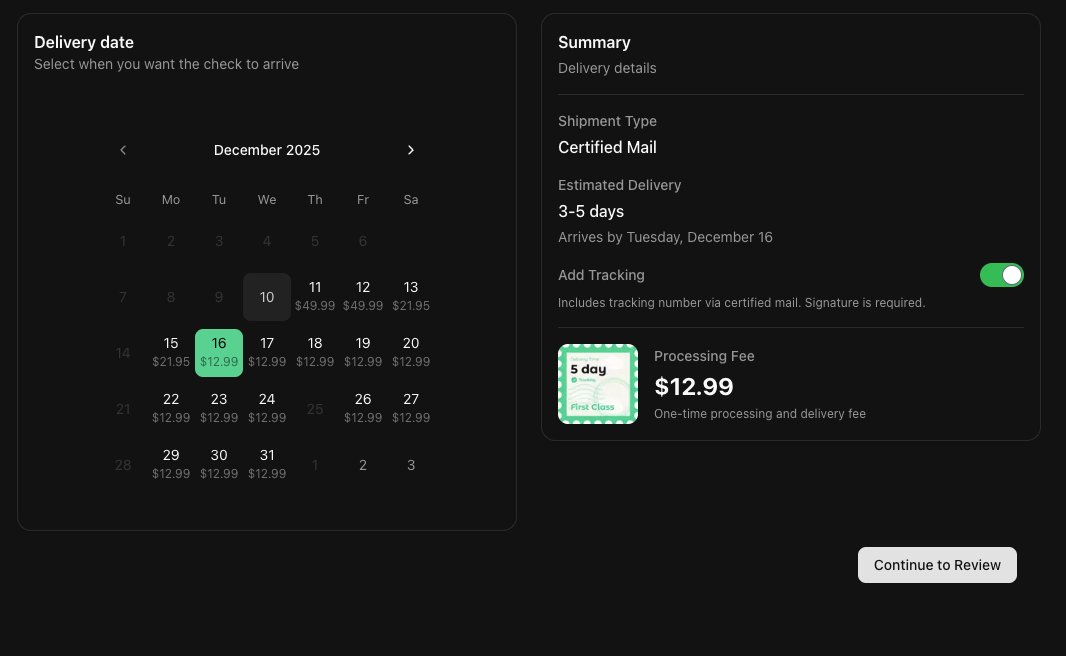
03Choose your shipping speed.
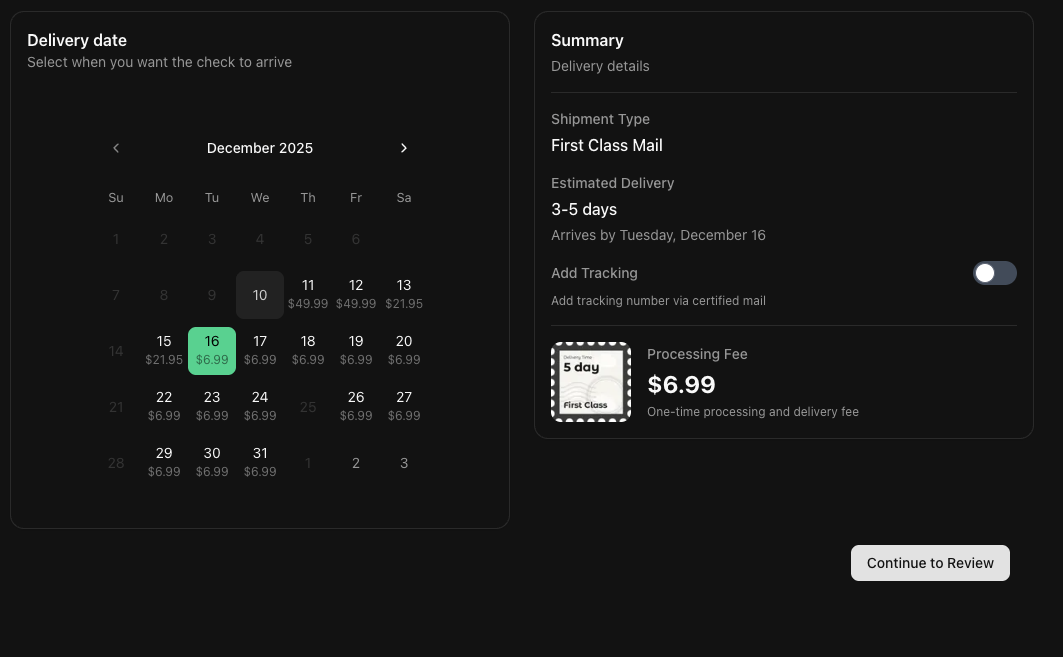
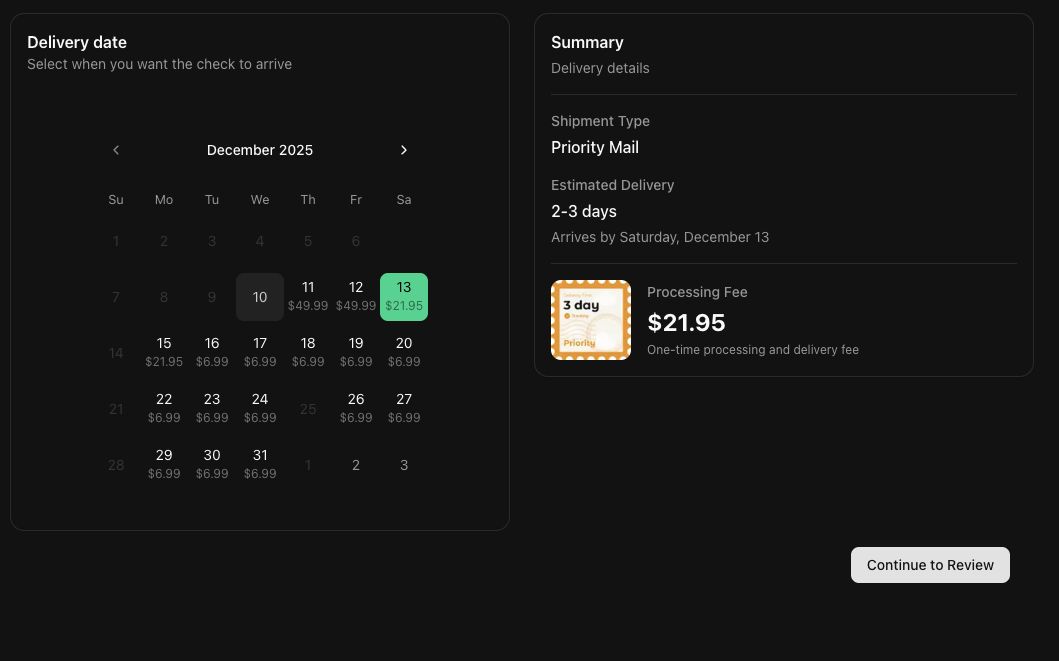
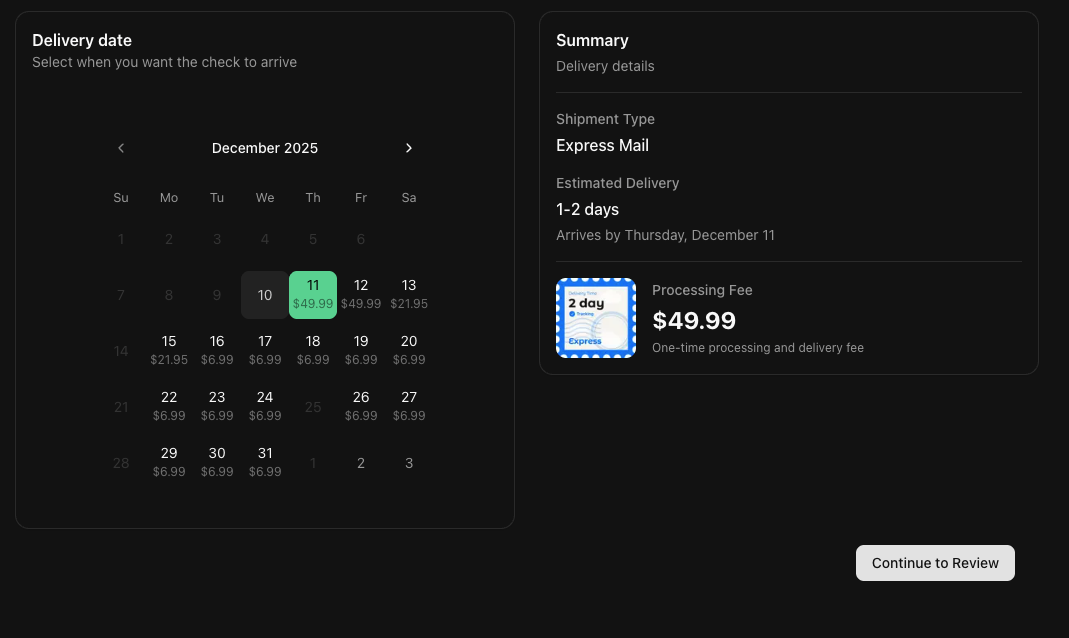
Pick the delivery option that matches your timeline. Check Supply gives you multiple mailing speeds directly in the browser:
- First Class Mail for standard delivery, usually 3-5 business days.
- Priority Mail for faster tracked delivery, usually 2-3 business days.
- Express Mail for urgent payments, usually 1-2 business days.
- Certified Mail for proof of mailing and delivery.
04Add your signature.
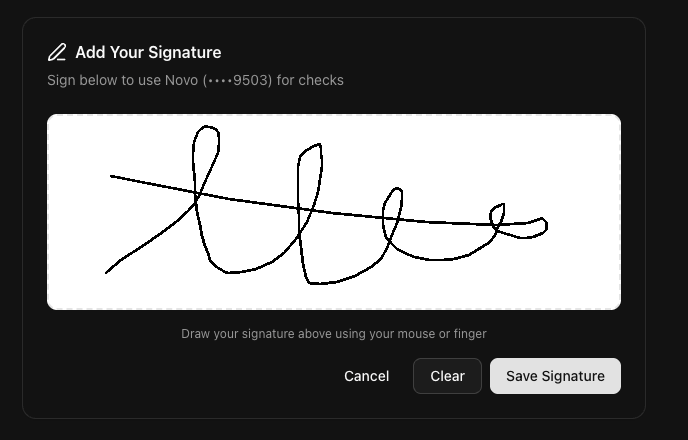
Draw your signature directly on screen with your mouse or trackpad so the check is authorized before sending.
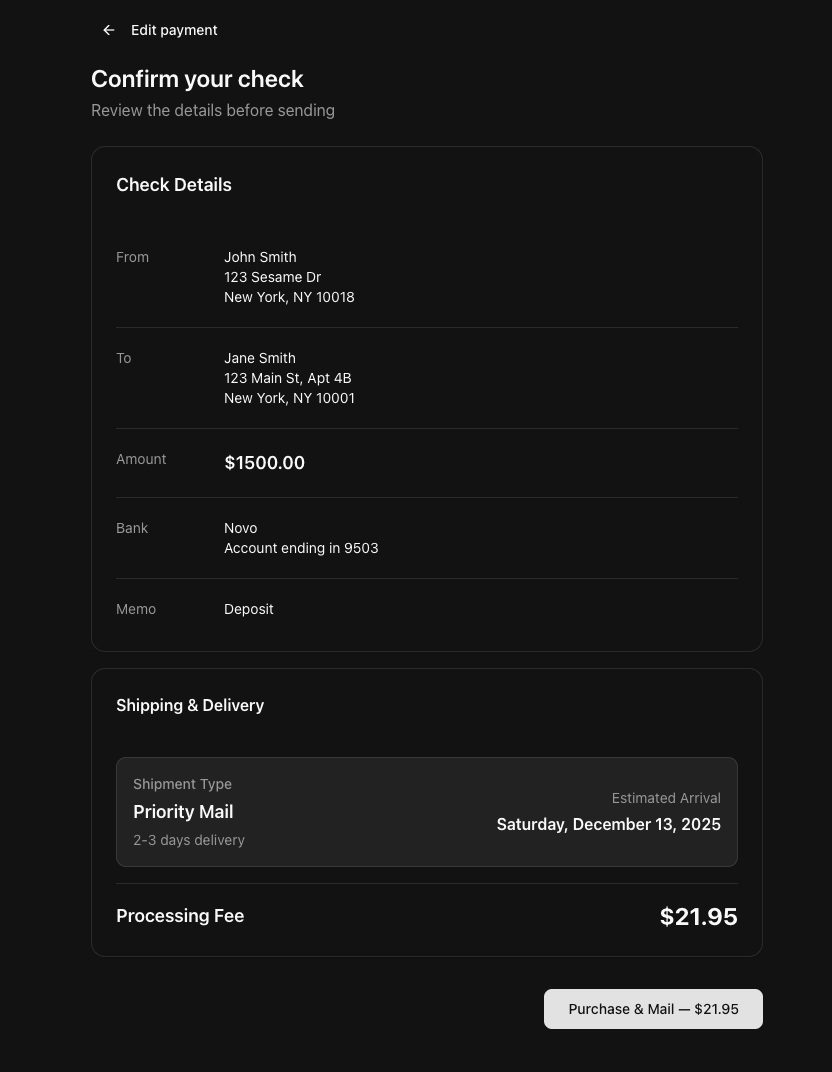
05Review and send.
Review the payment details, delivery estimate, and total cost. Once you confirm, the check is sent to our printing facility for processing and mailing.